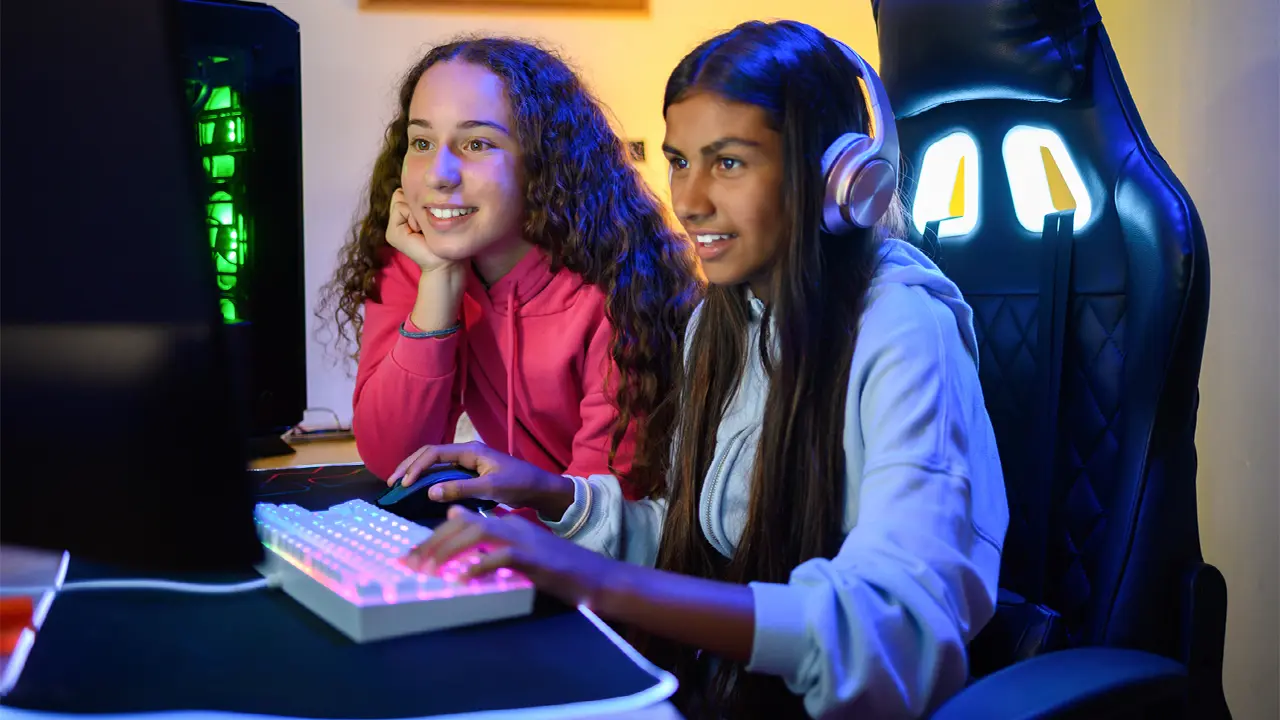
Is Discord safe for kids is a common question for parents, especially since Discord lets users interact via text, calls, video chat, and screen share.
While Discord primarily started as a way for gamers to gather online (90% of its members play games), it has spread to include many other interests and has over 200 million users.
If your child is interested in using Discord (or already uses it), you should be aware of how the platform works, the risks for minors, and the safety features you can use to keep your kids safer online.
What is Discord?
Discord is a place for users to gather online and communicate via several methods: text/direct messaging, voice calls, video calls, and screen shares.
Users organize themselves into private and public communities based on common interests. The features associated with Discord include:
- Servers. These groups allow users to gather around specific interests or topics. Servers may be private and restricted to invited users, or open to the public. While most servers are small and invitation-only, some larger communities are public.
- Channels. Servers are organized into text and voice channels, through which users can communicate, and which are generally dedicated to specific topics. Channels may have custom rules beyond Discord’s community guidelines.
- Direct messages (DMs). These are private one-on-one communications between users, which can occur via text, video, and audio chats. There are also group DMs that allow up to 25 participants.
Discord is popular with young people for several reasons: it is free, easy to use, and organized by categories based on specific interests.
Teens often use it as a social hub to connect with virtual and real-life friends around common interests, such as forming a study group with classmates or joining an online community dedicated to a specific video game.
What are the Risks of Using Discord?
Just like any other area of the internet, there are risks that go along with minors using Discord:
- Cyberbullying. While abusive behavior is forbidden in Discord’s user policy, cyberbullying and harassment do persistently take place on the platform.
- Strangers. Depending on the settings in the minor’s user account and the communities they belong to, they may regularly come into contact with strangers.
- Inappropriate content. Discord contains inappropriate subjects including adult language, sexually explicit material, and violent content.
- Phishing scams and identity theft. Criminals use Discord to run phishing scams that capture users’ sensitive information, payment data, and other details in order to commit identity theft.
- Data privacy. Discord collects and stores sensitive data about its users, including biometric data and government IDs that allow the platform to verify user ages. In October 2025, hackers stole the government IDs of 70,000 Discord users from a third-party service that Discord used to verify ages of users in the United Kingdom and Australia.
- Advertising. Discord’s advertising comes in the form of “Quests,” which are a set of activities users can perform, like engaging with a specific video game. Interacting with this content is optional, but young users can get exposed to persuasive advertising campaigns.
What Safety Features Does Discord Have?
The minimum age to use Discord is 13, unless local laws mandate an older minimum age. Users will need to confirm their date of birth when creating an account (though the user may be able to get around this step by falsifying their birth date).
Safety features that Discord provides include:
- Family Center. Discord’s Family Center allows parents and guardians to set up their own Discord account, then link it with their teen user. The Family Center allows parents to review account activity, as well as manage account safety and privacy settings.
- Age-restricted content. Adult content on Discord must be marked as age-restricted and cannot be accessed by users whose profile shows their age as under 18.
- Content filters. Discord can block users from viewing content based on mature sexual material, graphic violence, and disturbing content in images (but does not detect sensitive content in videos).
- No user data for sale. Discord does not ask for personal information like real names and does not sell user data (though 2025’s hack proves that sensitive data can be exposed anyway).
- Direct message settings. Every user under the age of 18 can activate the explicit media content filter to block graphic or inappropriate images. Users can determine who should be allowed to contact them via DM, and Discord can alert teen users when they detect inappropriate messages.
- Friend requests. Teens can customize who is allowed to send friend requests. They can open up friend requests to all Discord users or limit them to friends of mutual friends or members of servers they belong to.
- Blocking. Discord users can block individual users. Abusive behavior or behavior that violates community guidelines can be reported to Discord.
How to Keep Your Teen Safer on Discord
Before you allow your teen to create a Discord account, find out why they want to use it.
Are they looking to connect with other online gamers, interested in creating study groups with classmates, or wanting to learn more about specific hobbies or interests? There may be alternatives to Discord that can help them achieve their goals.
Keep in mind that Discord has a minimum age requirement of 13, and you should not allow younger children on the platform.
Beginning this year, Discord is planning to roll out a global age verification feature that will require users to show proof of age before viewing age-restricted content; all new accounts will default to a “teen-appropriate” experience.
Though there are privacy concerns around the security of the biometric and government ID data used to verify user ages.
You can set ground rules for your teens’ use of Discord.
These may include screen time limits, no chatting or accepting friend requests from strangers, reporting and blocking users that demonstrate abusive or inappropriate behavior, no sharing of personal information, and more.
To access Family Center, create a Discord account and link it with your teen’s account. From there, you can adjust safety settings, including:
- Turning on content filters
- Deciding who on Discord can send friend requests
- Blocking explicit content in messages
- Decide who can send your teen direct messages
You can also review your teen’s account activity for the last seven days, including:
- New friends added
- New servers joined
- Users messaged and called
- Top users and servers
- Total call minute
- Total purchases
One weak point of the Family Center is that teens can alter these settings themselves and even disconnect their account from your parental account at any time – though you’ll get an email notification if this happens.
Is Discord Safe for Kids?
While you can use Discord’s safety settings to help make Discord less risky, there is never a 100% guarantee of safety. In addition, there are ways that underage users can get around blocks and guardrails on the platform.
For example, other users may share links to explicit content outside of Discord to bypass explicit content filters. Or, users can pose as peers within your child’s age group to chat with your child but may not actually be who they claim.
If your child uses Discord, you should monitor their activity and keep a close eye on their online habits. And if you don’t think your teen is mature enough to handle Discord responsibly, you can hold off for now.
There are plenty of other online platforms your teen can use to connect with their friends or learn more about their interests.
How IdentityIQ Can Help
IdentityIQ plans include online safety tools for families that can help keep your kids safer on Discord and the wider internet:
- Bitdefender® Antivirus Software: Our antivirus software can prevent your kids from following malicious links or downloading viruses.
- BitDefender also offers these parental controls
- Online search restrictions to prevent your child from seeing inappropriate content
- App monitoring to view what apps your child is using
- Phone contact monitoring so you can see who your child interacts with on their phone, on social media, in chats, and in text messages
- Location tracking that gives you a real-time view of your child’s whereabouts
- Screen time monitoring so you can see how much time your child spends online and on their devices
- Daily, weekly, and monthly summary reports of your child’s online activity
- Virtual Private Network (VPN): VPNs allow your child to use the web anonymously and hide their activity from third parties.
- Screen time limits. You can set screen time limits to prevent your child from staying on their devices for an unhealthy amount of time.
- Social media protection. IdentityIQ monitors social media platforms to watch for threats like account takeovers and abusive or predatory behavior from other users.
- Identity theft protection. With IdentityIQ, you get up to $25,000 in identity theft insurance for qualified family members when their identity gets stolen.
Get Peace of Mind and Protect Your Family Online With IdentityIQ
Discord offers parental controls and safety features that allow you to reduce some risks for your teen on the platform. But they cannot completely eliminate the threat of cyberbullying, child predators, inappropriate content, or excessive screen time. The platform is safest when you combine digital guardrails with active monitoring of your child’s Discord use.
Want extra peace of mind beyond Discord’s built-in settings? IdentityIQ helps protect your family with identity theft monitoring and online safety tools designed to reduce digital risks across the apps and sites your teen uses. Sign up for a plan today to start protecting your family right away.