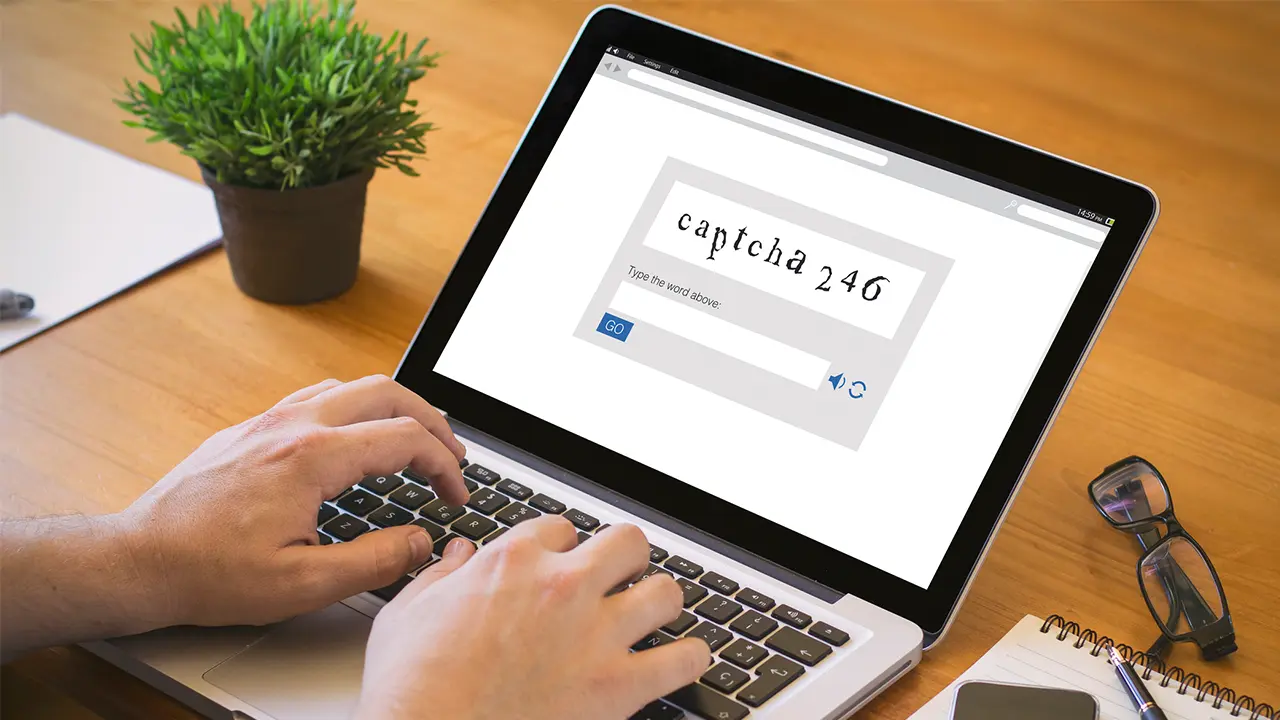
A fake CAPTCHA scam is becoming a more common online threat because the scam looks familiar and harmless.
Many people are used to completing CAPTCHA tests quickly without thinking twice about them.
You may have clicked a box that says “I’m not a robot” while signing into an account, watching a video, or visiting a website.
But scammers are now using fake CAPTCHA pages to trick users into downloading malware, allowing harmful browser notifications, and exposing personal information.
These tests are designed to help websites block spam and automated bots. In most cases, CAPTCHAs are safe and commonly used across the internet.
Cybercriminals take advantage of that trust.
Scammers are now creating fake versions to trick users into downloading malware, allowing harmful notifications, or giving criminals access to personal information.
Learning how these scams work can help you avoid dangerous websites and better protect your devices, accounts, and personal information.
What Is a Fake CAPTCHA Scam?
A fake CAPTCHA scam is a type of online fraud that uses fake verification tests to trick users into taking unsafe actions.
A real CAPTCHA helps websites confirm that a human is using the site instead of an automated program or bot. According to Google, CAPTCHA systems are widely used to improve website security and reduce spam.
Scammers copy the appearance of these security checks to make fake pages look legitimate.
Instead of verifying identity, the fake page may try to convince users to:
- Click suspicious buttons
- Allow browser notifications
- Download files
- Install fake updates
- Run commands on their computer
These actions may expose the device to malware or lead to stolen information.
Why Fake CAPTCHA Scams Work
One reason fake CAPTCHA scams are effective is because internet users are trained to trust CAPTCHA tests.
Most people complete them quickly without carefully reviewing the page. Scammers use this behavior to make fake verification pages seem normal.
Cybercriminals also design fake CAPTCHA pages to look convincing. Some may copy the appearance of well-known companies or browsers.
According to the Cybersecurity and Infrastructure Security Agency (CISA), attackers often use fake websites, popups, and social engineering techniques to spread malware and steal sensitive information.
Because the scam appears to be a routine security check, victims may not realize anything is wrong until later.
How a Fake CAPTCHA Scam Works
A fake captcha verification scam can happen in several ways. In many cases, users are redirected to malicious pages after clicking ads, popups, or suspicious links.
Fake verification pages
One common tactic involves fake “I’m not a robot” pages.
The website may display messages such as:
- “Click Allow to continue”
- “Verify you are human”
- “Press Allow to watch the video”
- “Enable notifications to proceed”
The page may look official, but clicking the button can allow harmful browser notifications or redirect users to dangerous websites.
This type of click allow scam is designed to make users believe they must complete the step to continue browsing.
Malware downloads
Some fake CAPTCHA pages ask users to download files before continuing.
The download may claim to be:
- A browser update
- A video player
- A required security tool
- A verification file
In reality, the file may contain malware.
Malware can sometimes collect passwords, monitor online activity, or give attackers access to the device.
The Federal Trade Commission warns consumers to avoid downloading software from suspicious websites or popups.
Fake browser notification requests
Another version of the browser notification scam asks users to allow notifications from the website.
After clicking “Allow,” victims may begin receiving:
- Fake virus alerts
- Scam popups
- Phishing messages
- Links to malicious websites
These notifications may continue appearing even after the browser is closed.
Scammers use these notifications to drive traffic to additional scam websites or attempt to steal personal information.
Fake keyboard instructions
Some advanced scams attempt to trick users into running commands on their own computer.
For example, the fake CAPTCHA page may instruct users to:
- Open the Windows Run box
- Paste a command into the system
- Press Enter to complete verification
Security researchers have warned that these commands may download malware directly onto the device.
Legitimate CAPTCHA systems do not ask users to run commands on their computer.
Warning Signs of a Fake CAPTCHA Scam
A fake website CAPTCHA can sometimes look convincing, but there are warning signs that may help you identify the scam.
Be cautious if you notice:
- CAPTCHA pages appearing immediately after opening a website
- Requests to download files
- Messages asking you to click “Allow” to continue
- Strange popups or flashing warnings
- Poor spelling or grammar
- Suspicious website addresses
- Instructions involving keyboard shortcuts or system commands
If a CAPTCHA page behaves unusually, it is safest to leave the site.
What Happens If You Click “Allow”?
Clicking “Allow” on a fake CAPTCHA page may give the website permission to send browser notifications.
While browser notifications can be useful on trusted websites, scammers often abuse them to send misleading messages.
Victims may begin seeing:
- Fake security warnings
- Messages claiming the device is infected
- Phishing links
- Scam advertisements
Some notifications may attempt to scare users into downloading additional software or sharing sensitive information.
Google recommends reviewing notification permissions regularly and removing access for suspicious websites.
Can Fake CAPTCHA Scams Infect Your Device?
Yes. Some fake CAPTCHA scams are designed to spread malware.
A malware popup scam may attempt to install harmful software after a user clicks a button, downloads a file, or follows fake instructions.
Depending on the type of malware involved, attackers may attempt to:
- Steal passwords
- Access financial accounts
- Monitor online activity
- Collect personal information
Not every fake CAPTCHA page installs malware, but users should treat suspicious verification requests seriously.
How to Remove Fake CAPTCHA Notifications
If you accidentally allowed notifications from a suspicious website, you can usually remove them through your browser settings.
Most browsers allow users to:
- Open browser settings
- View notification permissions
- Remove suspicious websites from the allowed list
Google, Microsoft, and Mozilla all provide instructions for managing browser notifications safely.
Removing notification permissions can help stop repeated scam popups and alerts.
How to Protect Yourself From a CAPTCHA Scam
The good news is that a few simple habits can help reduce your risk of falling for a captcha scam.
- Avoid suspicious websites: Be cautious when visiting unknown websites, especially those reached through ads, pop-ups, or shortened links.
- Never download files from CAPTCHA pages: Legitimate CAPTCHA tests do not require downloads
- Be careful with browser notifications: Do not click “Allow” unless you trust the website and understand why notifications are being requested.
- Keep software updated: Security updates can help protect devices from known threats and malware.
- Use strong passwords and multifactor authentication: Strong passwords and multifactor authentication can help protect accounts if login information is stolen.
- Monitor your accounts regularly: Checking financial accounts and online activity often may help you spot suspicious behavior earlier.
What to Do If You Fell for a Fake CAPTCHA Scam
If you believe you interacted with a fake captcha verification page, act quickly.
You should:
- Disconnect the device from the internet
- Run a trusted antivirus or malware scan
- Remove suspicious browser notifications
- Change important passwords
- Monitor financial accounts and email activity
- Report suspicious activity if fraud occurs
Acting quickly may help reduce the risk of additional damage or identity theft.
Fake Captcha Scams Frequently Asked Questions
Here are frequently asked questions about fake captcha scams:
Is a CAPTCHA itself dangerous?
No. Legitimate CAPTCHA systems are commonly used to improve website security and reduce spam.
The danger comes from fake CAPTCHA pages created by scammers.
Can a fake CAPTCHA give you a virus?
Yes. Some fake CAPTCHA scams attempt to spread malware through downloads, browser notifications, or malicious commands.
Is “Click Allow to continue” a scam?
Not always, but it can be a warning sign. Many fake CAPTCHA scams use “Click Allow” messages to trick users into enabling harmful notifications.
Can fake CAPTCHA scams affect phones?
Yes. Fake CAPTCHA pages can appear on both computers and mobile devices. Some scams target mobile browsers with misleading popups or notification requests.
Stay Protected With IdentityIQ
Scammers are always finding new ways to trick people online. The fake CAPTCHA scam is one example of how criminals use familiar security checks to spread malware and steal personal information.
The good news is that learning the warning signs can help you avoid dangerous websites, suspicious downloads, and fake notification requests.
Staying informed is one of the best ways to protect yourself online. With IdentityIQ’s identity theft protection and credit monitoring, you can add another layer of defense to help detect suspicious activity and protect your personal information before it becomes a bigger problem.